

F8 Effect F8 Effect

Transform your camera into a pixel art world

Share your shots on social media with #F8Effect

What is F8 Effect?

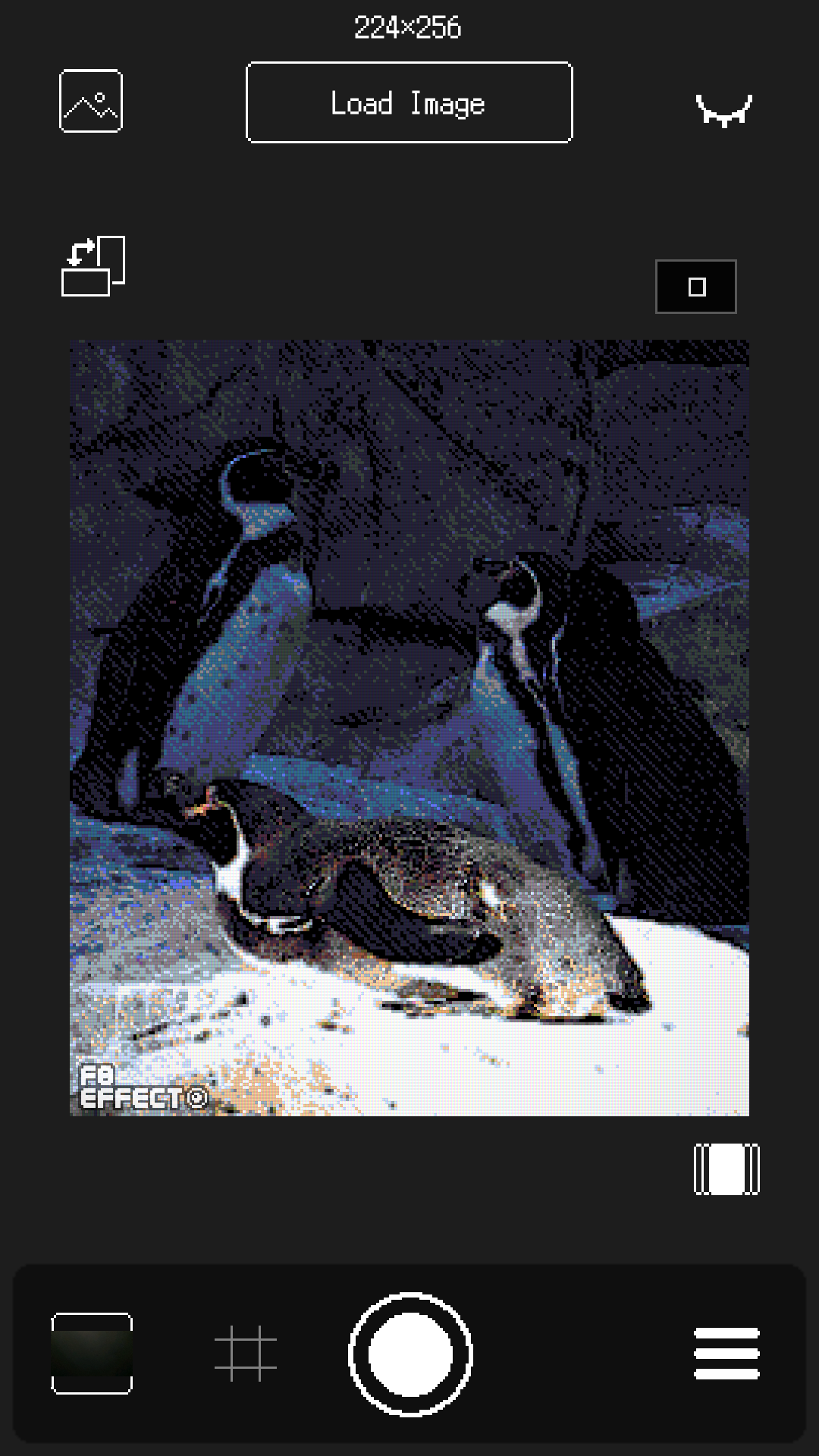
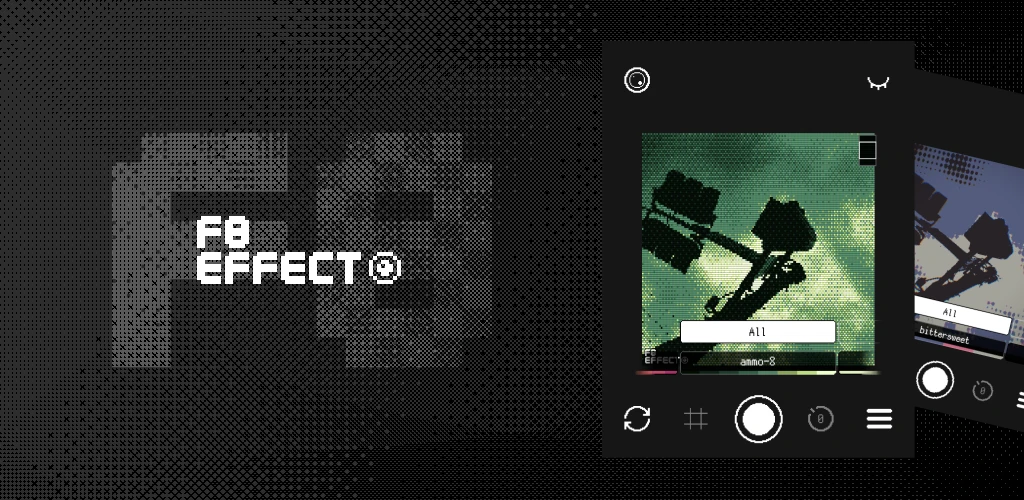
Transform your live camera into a pixel art-like world in real time. Fine-tune visuals with ~100 color palettes and CRT effects, then capture your retro game world.

F8 Effect is a camera app that applies retro game-style effects to your live camera feed in real time. Experience the look and feel of 8-bit and 16-bit era visuals, right through your camera. You can also load images from your photo library and edit them with the same effects.
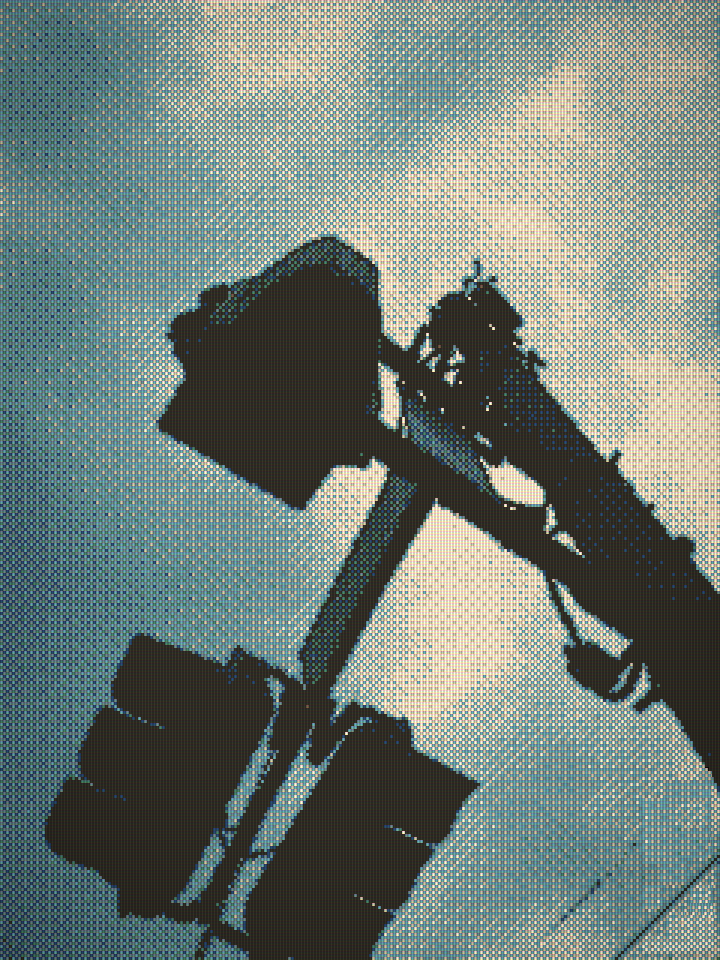
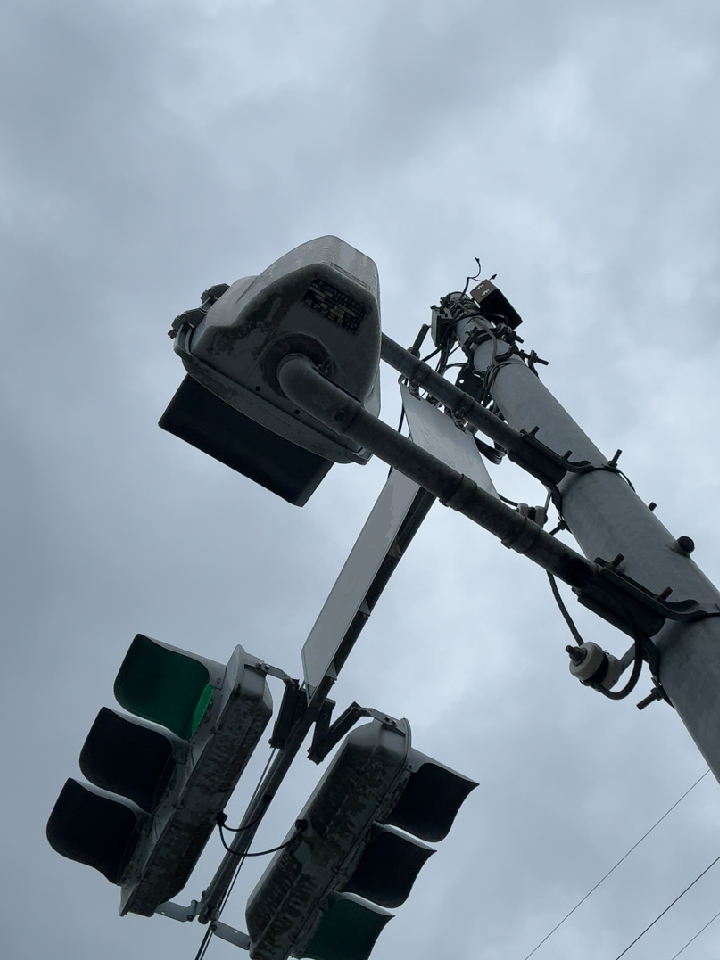
After: F8 Effect Before: Normal Camera

Drag the slider to see the difference

Key Features

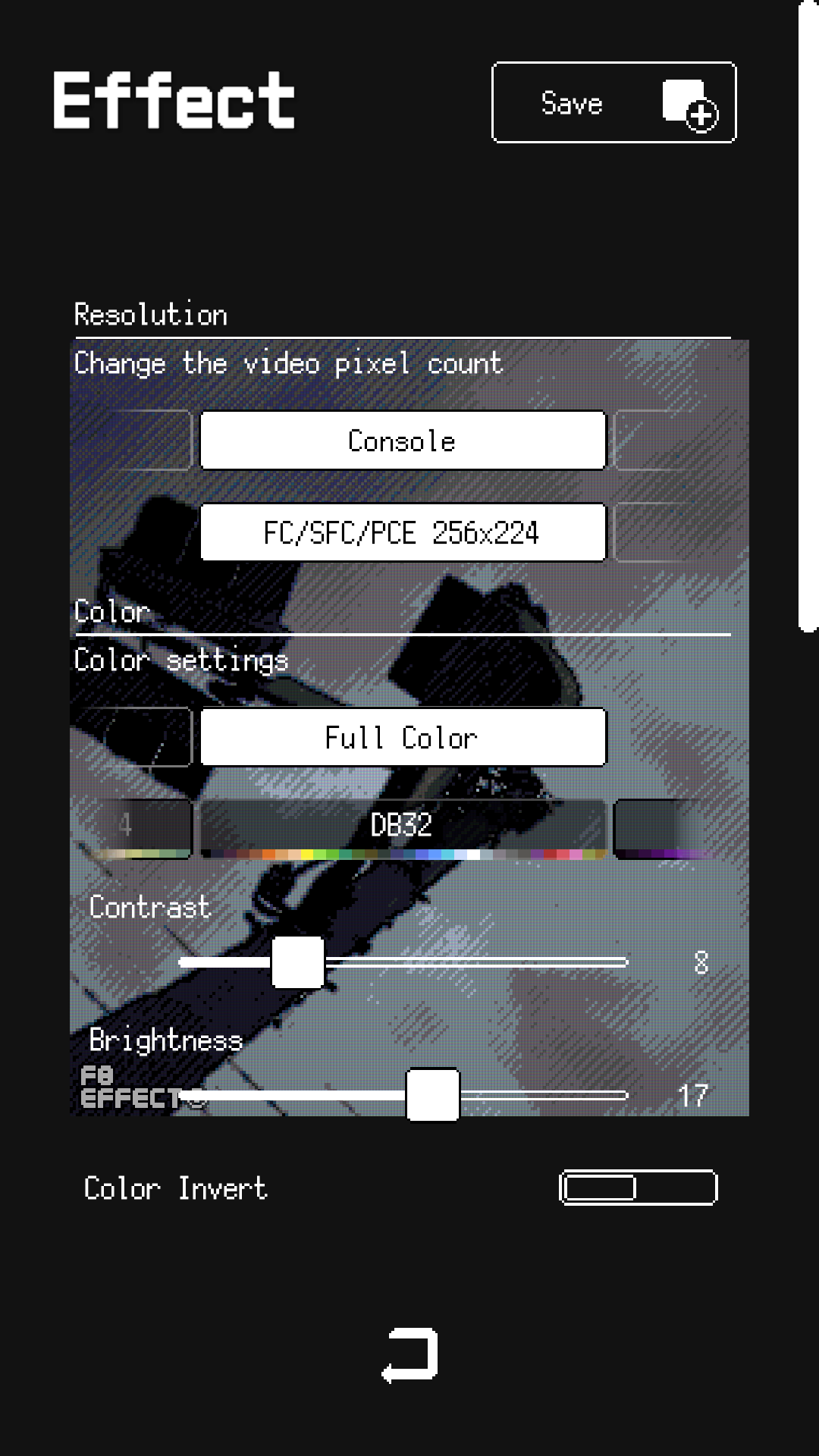
  • ~100 Color Palettes
    Presets for instant retro looks, with full manual control over each setting
  • Resolution Presets
    Ranging from retro game styles to modern sizes
  • Contrast, Brightness & Color Inversion
    Fine-tune the look of your shot
  • Dithering
    Add that authentic pixel art texture
  • CRT-style Effect (RGB Mask)
    Recreate the look of an old CRT monitor
  • Vignette, Chromatic Aberration & Curvature
    Add a touch of vintage screen distortion
  • Edge Detection
    Create unique outlined looks

Perfect For

  • ✓ Pixel art creation and mockups
  • ✓ Game development reference and sprites
  • ✓ Retro gaming aesthetics
  • ✓ Indie game promotional materials
  • ✓ Social media posts and avatars
  • ✓ Creative photography
  • ✓ Nostalgic content creation

Why F8 Effect?

No fiddly settings required. Just pick a preset and let the color palettes and dithering do the work of creating that pixel art texture. Try a few out and find the look you like.

Great for retro gaming fans, and anyone curious about pixel art.


Using Images Created with F8 Effect

Images created with F8 Effect are free to use for personal and small-scale purposes, whether commercial or non-commercial. Please note, however, that we assume no responsibility for any issues or damages arising from the use of this app.

If you'd like to credit "F8 Effect - yuta / HZ3 Software" when sharing your images, we'd really appreciate it — it helps more people discover the app! Attribution is entirely optional, so feel free to do so at your discretion.

For corporate projects or large-scale commercial use, please contact us in advance at yyuta.342@gmail.com.


Bug Fixes

  • Fixed an issue that could cause the app to quit immediately after launch.
  • Added a notification when a new version is available.
  • Other bug fixes.

New Features & Improvements

  • Added show/hide support for the preset list.
  • Improved preset list display.
  • Correctly shows the previously selected preset.
  • Shows an ad countdown in the main menu.
  • Adjusted ad display frequency.
  • Added multilingual support for some messages.

New Features & Improvements

  • Added a Manual link in the System menu — opens the online manual in your browser.
  • Added a welcome message on first launch with a tip about the manual.
  • Removed the interstitial ad that appeared after every 10 photos.
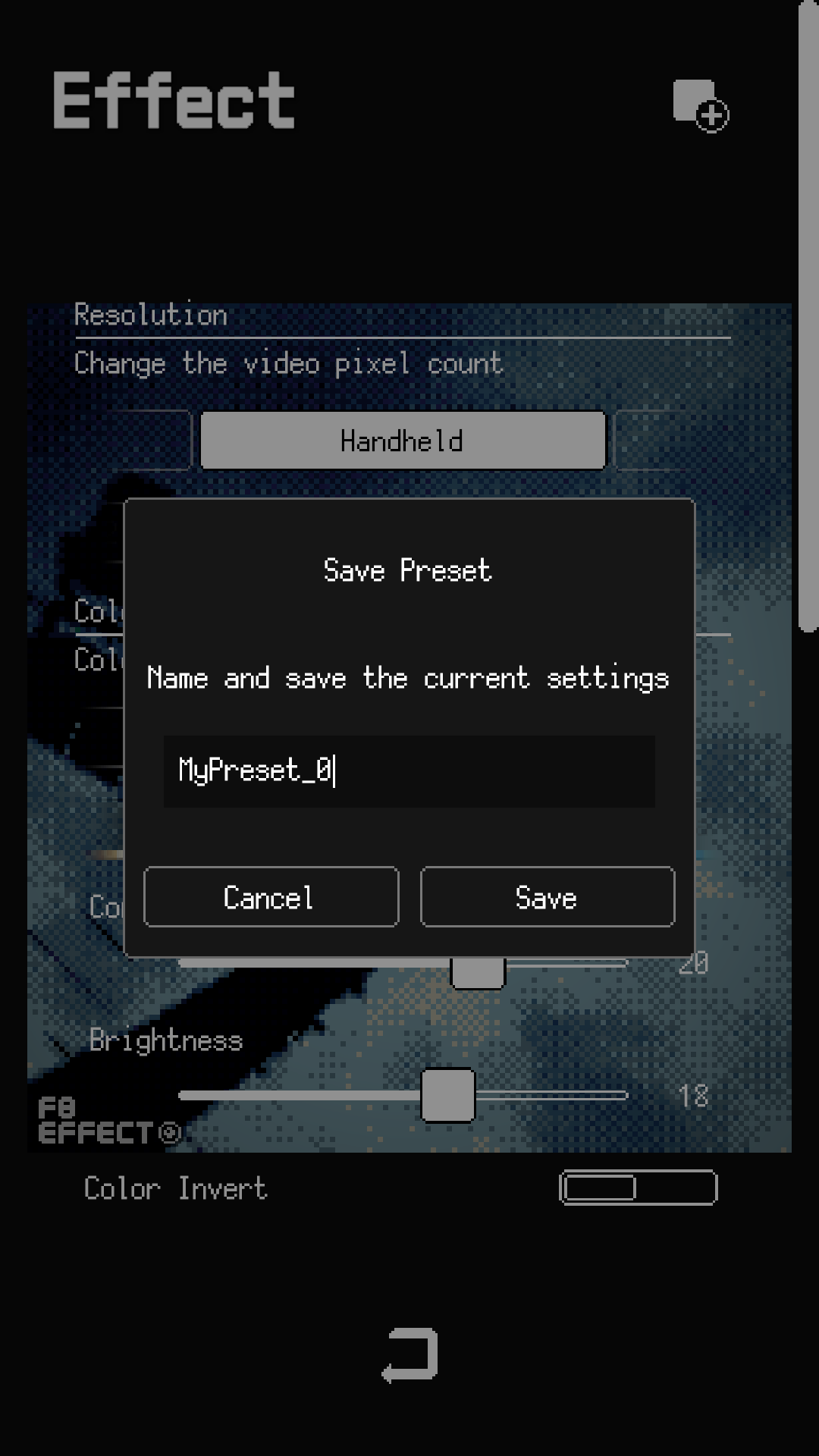
  • Increased the preset name character limit from 11 to 20.

New & Improved

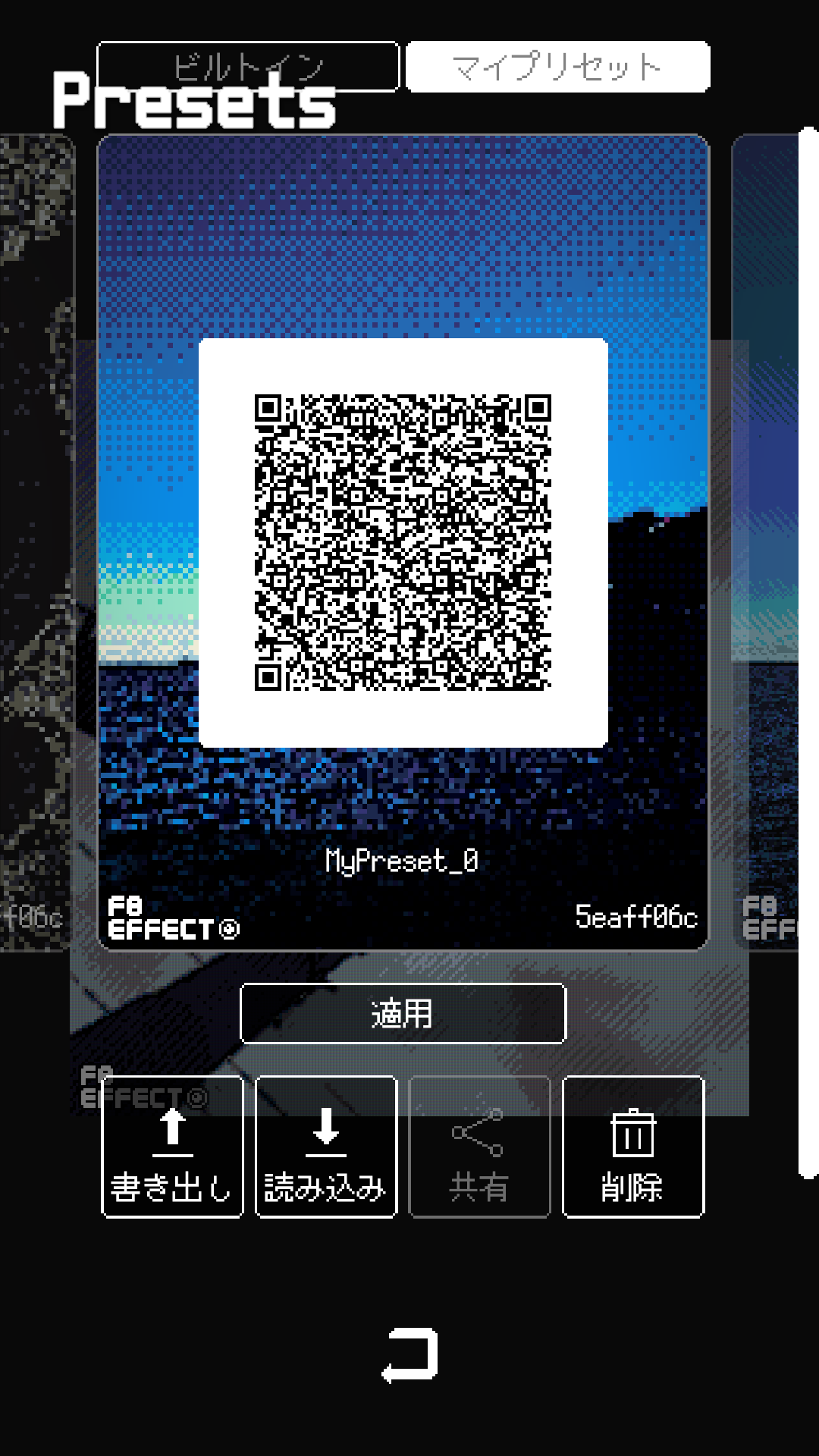
  • Added My Presets — save and manage your own effect settings.
  • Added preset sharing via QR code.
  • Added a direct preset menu button; removed Quick Menu.

Bug Fixes

  • Fixed dither Vertical Lines / Horizontal Lines direction on mobile.
  • Fixed portrait photos loading sideways.
  • Fixed image loading issues on Windows and Mac.

Minor UI improvements and bug fixes.

New & Improved

  • Added a Quick Menu on the main screen. Switch between the Color Palette, Preset, and Resolution carousels with a single tap.
  • Simplified the grid overlay options (None / Rule of Thirds / Center Cross).
  • Reduced loading time at startup.

Bug Fixes

  • Fixed an issue where the image could be drawn at the wrong position after changing the resolution (pixel count).
  • Fixed image rotation in Edit mode: now only the resolution (frame orientation) flips while the image itself stays upright.
  • Fixed an issue where the image appeared stretched or distorted after rotating in Edit mode.
  • Fixed an issue where the image appeared far too small when loaded.
  • Fixed an issue where zoom and position were not reset when reloading an image, causing the view to overflow.
  • Fixed an issue where the menu selection was not updated after changing a preset.
  • Fixed a bug that occurred when loading HEIC images.

Plus minor tweaks and stability improvements.

Bug Fixes

Minor bug fixes and stability improvements.
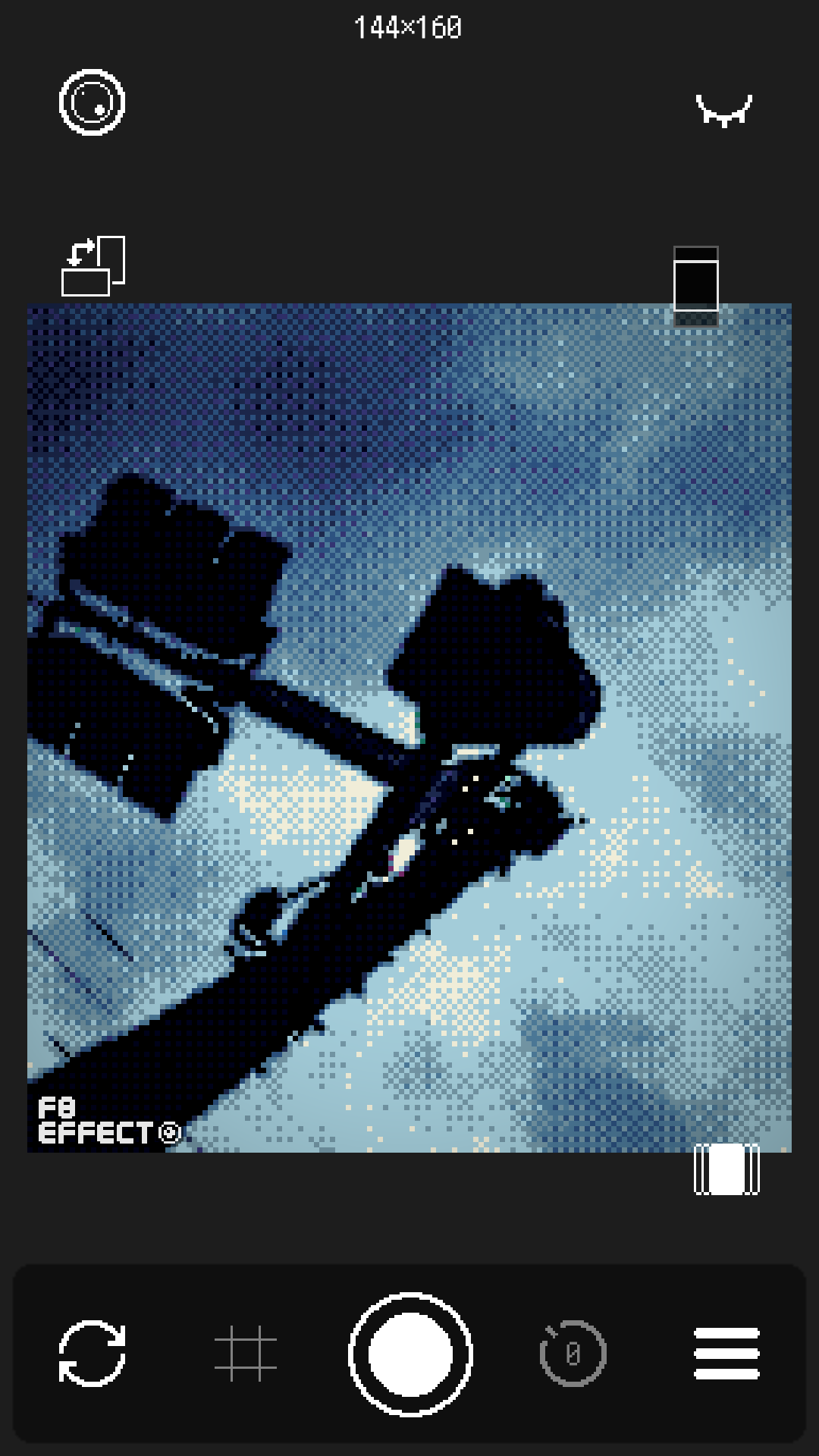
Bug Fixes & New Features

  • Added an option to remove the F8 Effect logo from captured photos.
  • Minor bug fixes.

Bug Fixes

  • Fixed a bug on Android where the camera would not load after granting camera permission for the first time.
  • Fixed a bug on Android where in-app purchase prices were not displayed correctly.

Features

  • Around 100 color palettes included.
  • Apply retro effects to camera footage in real time.
  • Effects include dithering, contrast, vignette, CRT curvature, and more.
  • 14 retro resolution presets (PICO-8, Game Boy, NES, and more).
  • Timer capture (3, 5, 10 seconds) supported.
  • Load photos from your album and apply effects.
  • Supports Japanese, English, Korean, and Chinese (Simplified & Traditional).
  • Available on iOS, Android, Windows, and macOS.


Genre Pixel Art Camera
Platform iOS · Android · PC (Windows · macOS)
Release 2026
Languages 日本語, English, 한국어, 中文(简体・繁體)
Price Free (In-App Purchases)